THUG on a Mac
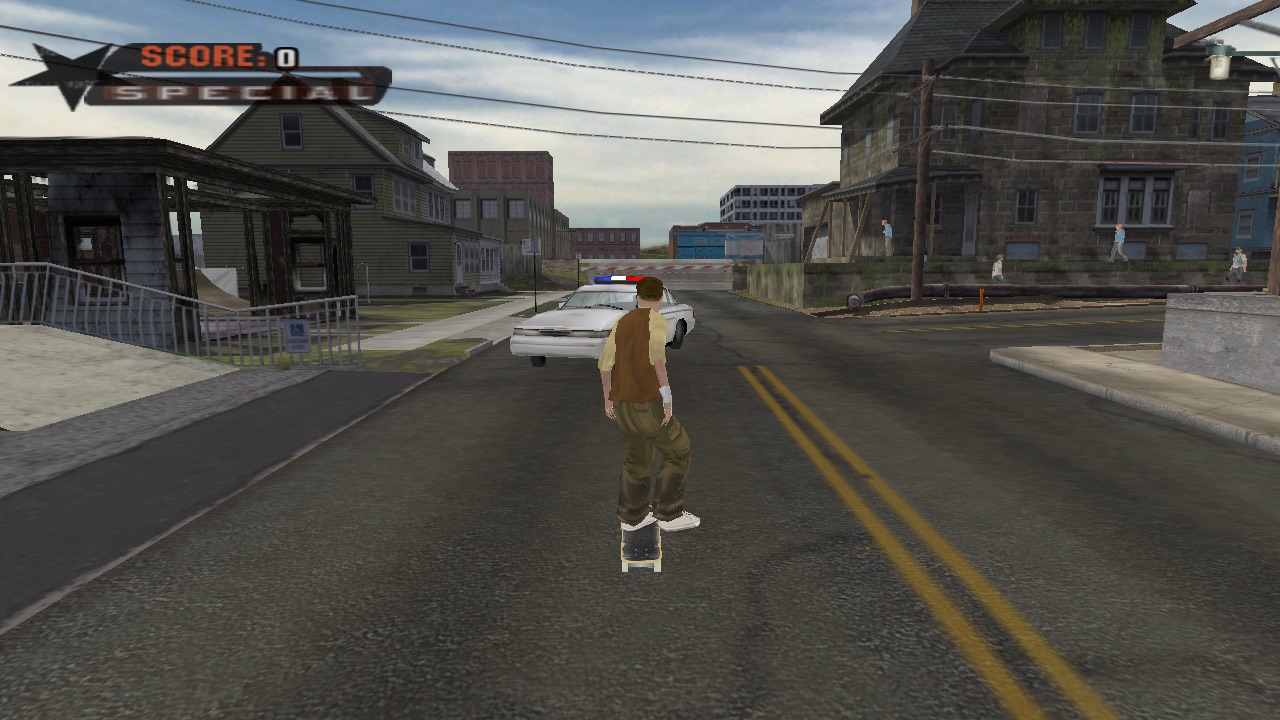
How Tony Hawk's Underground (2003) got a native macOS build: the platform layer rewritten on SDL2 and OpenGL, and a pile of quality-of-life features bolted on top. Each guide is a short "how to", with the diffs that did it.
Installation
Build it, run it, ship a .dmg
Graphics and sound fixes
Pixels and noise
How save works
A memory card made of folders
Screen settings
Window, fullscreen, resolution, 60/120 fps
Controls
Keys, contexts and the caveman
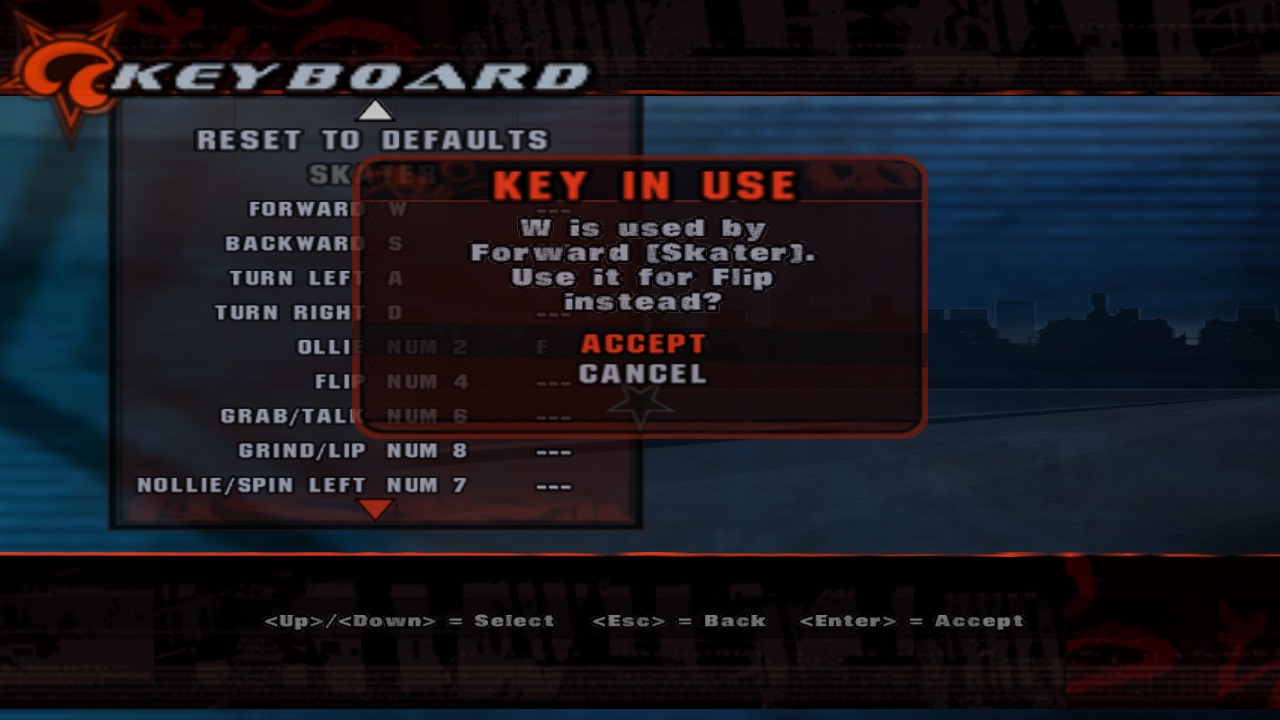
Keyboard settings
Rebindable keys in Options
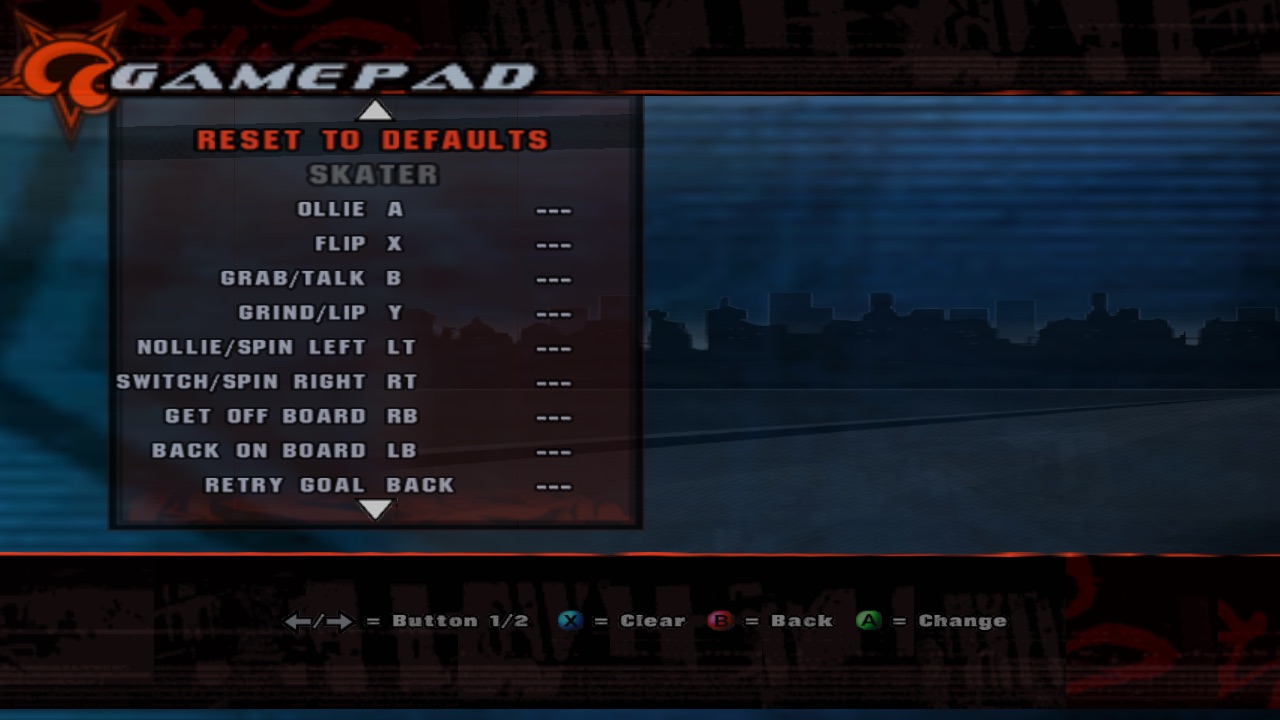
Gamepad settings
Rebindable buttons in Options
Button hints
No more triangles on a keyboard
Controllers
SDL game controllers, hotplug, rumble
The map
Three layers, and almost every guide touches all three:
| Folder | What lives there | Touch it when |
|---|---|---|
Code/ | The engine and the game: skater physics, screen elements, scripting, the front end. | You need a new script function, or the engine has to know about something (text measuring, button glyphs). |
Wn32/Code/Plat/ | The platform layer. Originally Xbox/Win32; here it's SDL2 + OpenGL + miniaudio: graphics, audio, input, files, saves. | Anything that talks to the Mac: windows, keys, controllers, files. |
Scripts/patches/ | QScript patches applied on top of the retail scripts (the menus). | You add or change a menu. |
The retail qb.pre wins over freshly compiled scripts. So you don't edit the game's scripts, you patch them. See Screen settings, step 3: it's the trick everything else relies on.
How it got here
| Commit | What | Guide |
|---|---|---|
962139d | First commit: the port itself (SDL2/OpenGL renderer, audio mixer, saves, Enter in menus, PC keyboard layout) | Graphics and sound, Saves, Controls |
5660c56 | Options › Screen, config.ini, script patches | Screen settings |
3ca5eea | Numpad 1 caveman fix | Controls |
a4cac21 | Game controllers: hotplug, Xbox layout, rumble | Controllers |
28ef9a3 | Music and streams (Bink audio decoder) | Graphics and sound |
97790b7 | build_dmg.sh, app bundle paths | Installation, Saves |
c46ec33 | 60 / 120 fps | Screen settings |
72de709 | Options › Keyboard | Keyboard settings |
| working tree | Options › Gamepad, button hints | Gamepad settings, Button hints |
How to test a menu without touching it
Screen recording permissions are a pain, so the menus were checked with a throwaway hook in
Wn32/Code/Plat/Gfx/p_nx.cpp (never committed): it replays key presses and controller buttons from a file, and dumps
frames with glReadPixels right before the swap.
Sixteen D-pad presses in a menu with sixteen items lands you exactly where you started. Ask me how I know.