Button hints
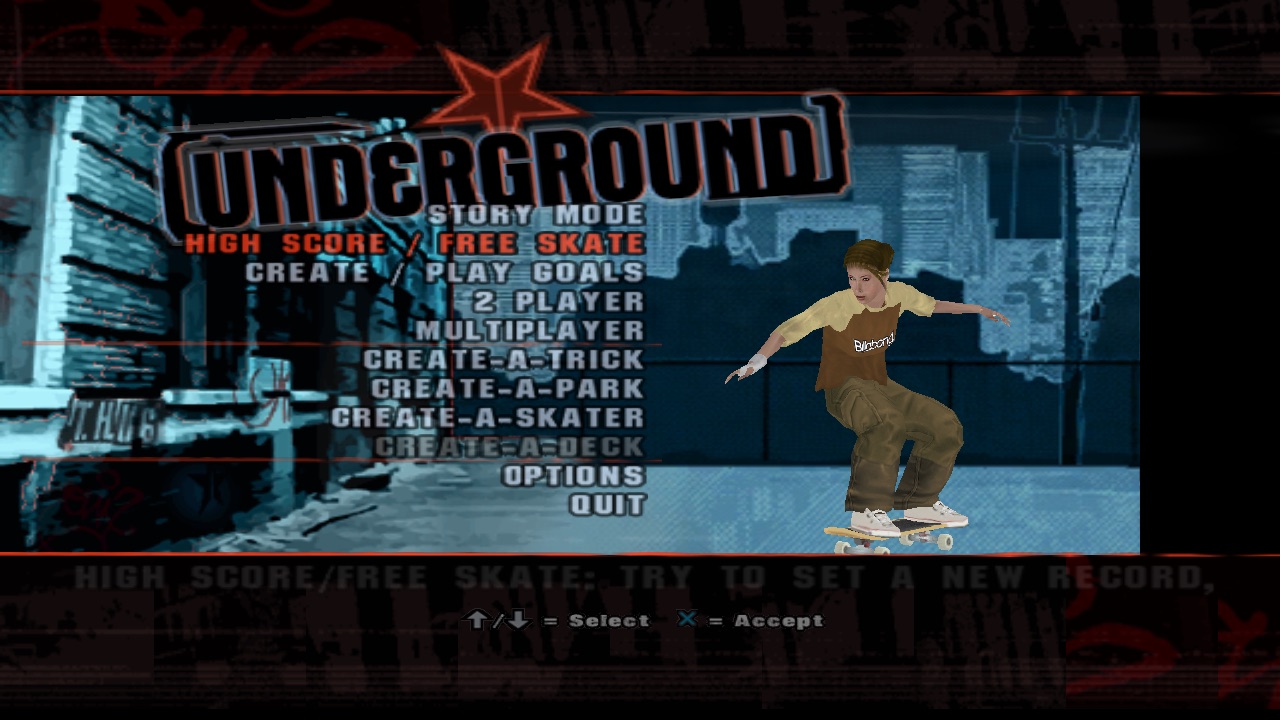
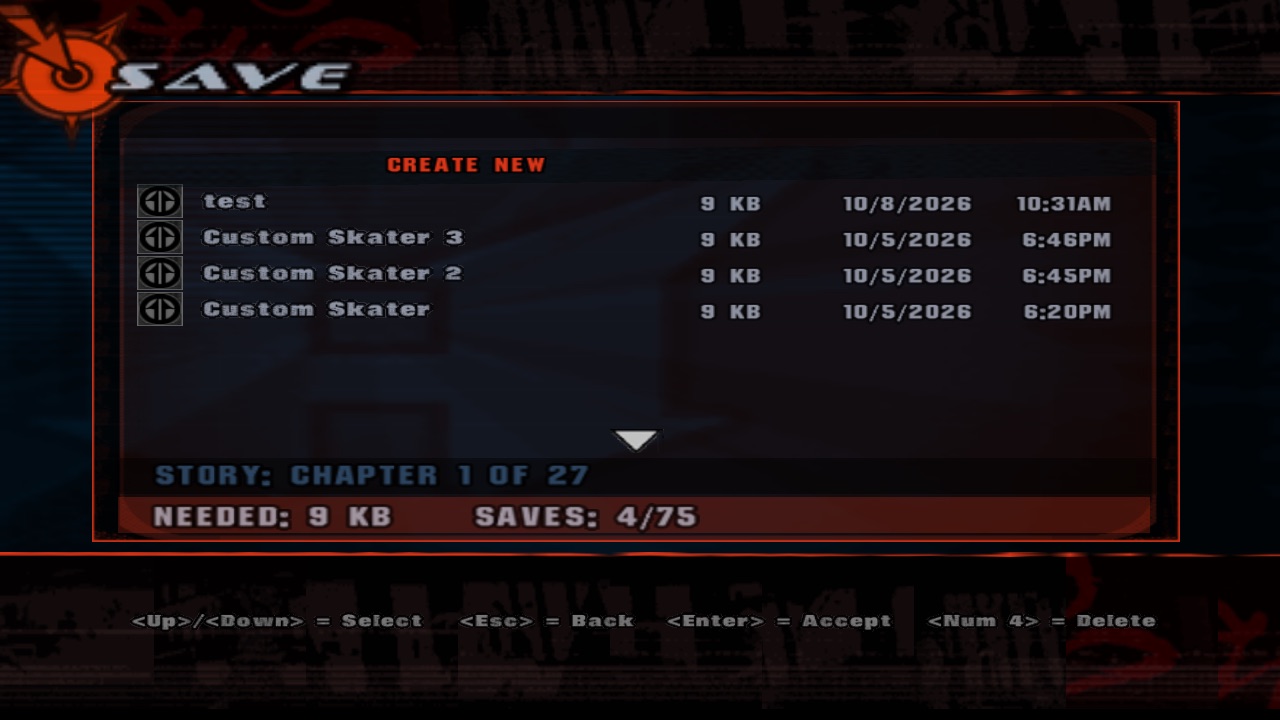
How to make "△ = Accept" say <Enter> = Accept on a keyboard, Ⓐ on an Xbox pad and ✕ on
a PlayStation one, following the bindings and switching the moment you touch another device.
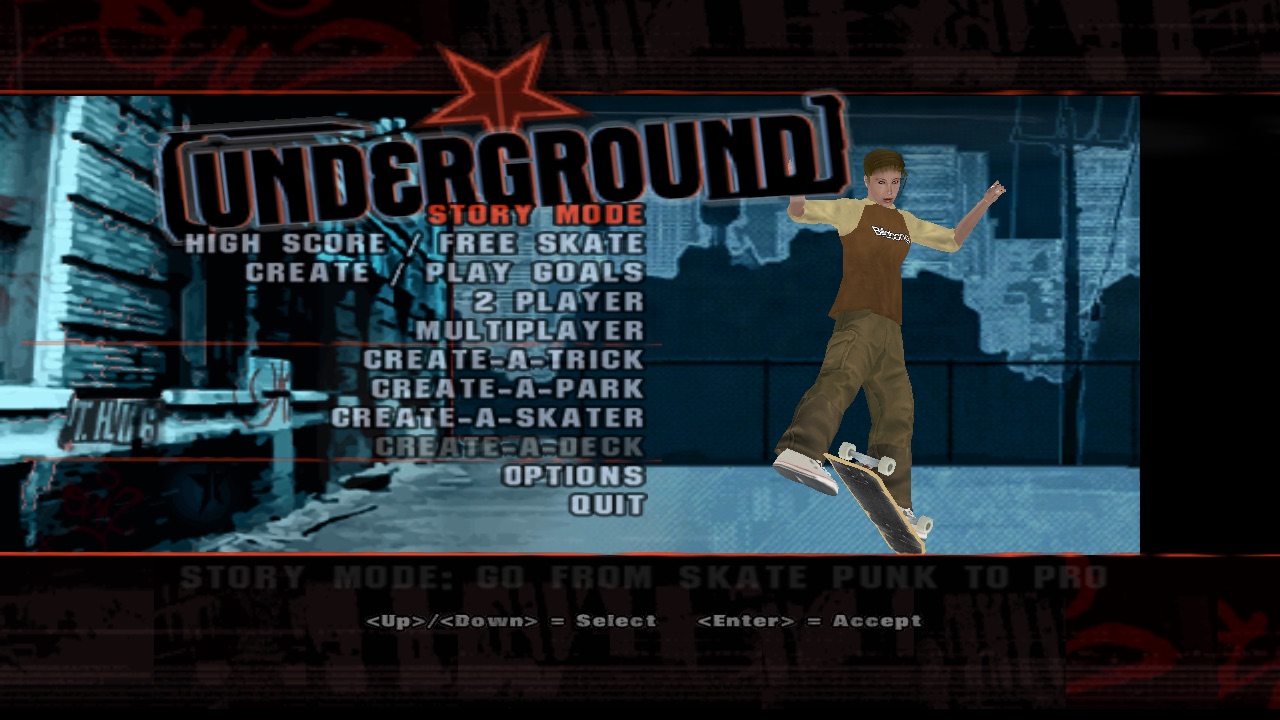
<Up>/<Down> = Select <Enter> = Accept.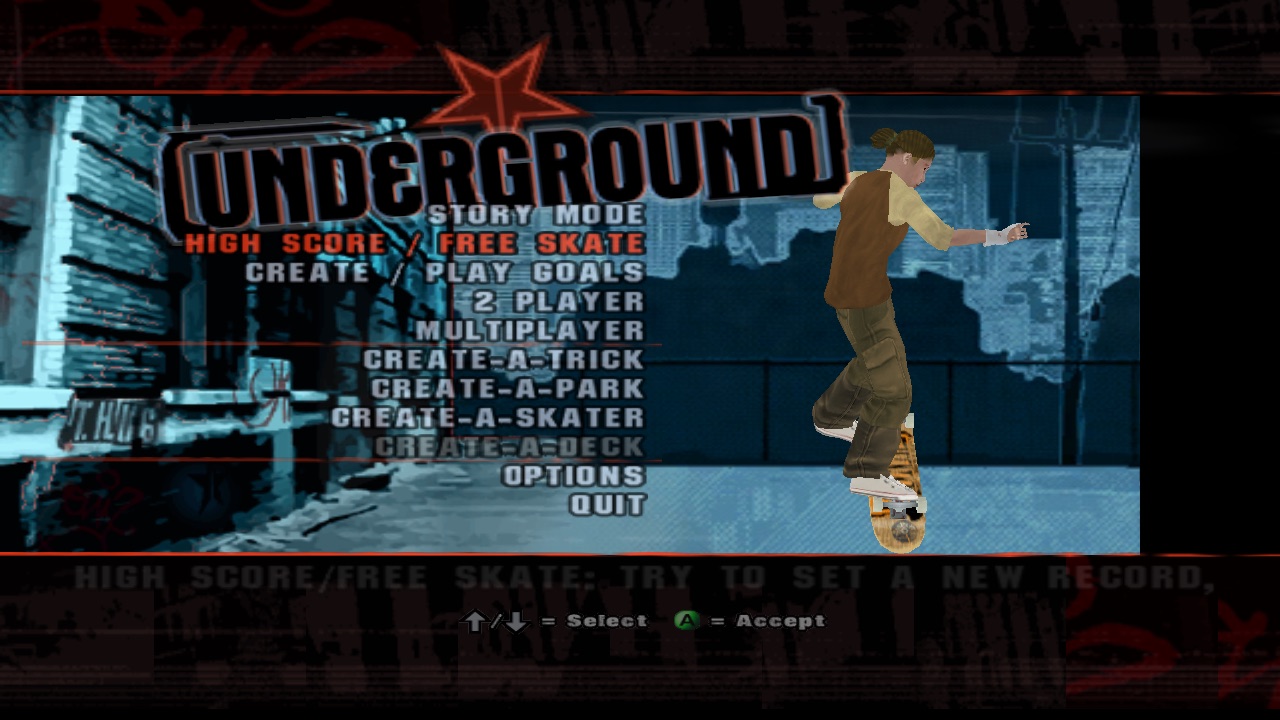
1Find out why everything was a triangle
Text draws \b<n> as glyph n of the buttons font, and \m<n> through a meta table first. The PC port
only loaded ButtonsPs2. Dumping both fonts shows glyphs 0–18 and nothing more:
| Glyph | ButtonsPs2 | ButtonsXbox |
|---|---|---|
| 0–3 | △ □ ○ ✕ | Y X B A |
| 4–7 | ↓ → ← ↑ | ↓ → ← ↑ |
| 8, 9 | Start, Select | START, BACK |
| 10–13 | ↘ ↖ ↙ ↗ | ↘ ↖ ↙ ↗ |
| 14–17 | L1 R1 L2 R2 | L trigger, R trigger, White, Black |
| 18 | L1+R1 | L+R |
| 19+ | nothing: falls back to glyph 0 | |
Same index, same position: 0 is the top face button, 3 the bottom one. (Found by dumping the fonts' glyph tables: header, char map, 8-bit texture, palette, sub-texture rects.)
The PC scripts use codes 19 and up (\bm = Accept, \bn = Back) that no font has, and a missing
glyph falls back to glyph 0. Hence: a triangle, on a keyboard.
The original PC exe must have mapped those codes to key names. We don't have that exe's code, so: archaeology.
2Decode the tag zoo
| Tag | Means | Example |
|---|---|---|
\b0–\bi | PS2 buttons by position, D-pad, diagonals, L1/R1/L2/R2 | \b7/\b4 = Select |
\bm \bn \bo \bp | PC only: Xbox A, B, X, Y | \bm = Accept |
\bq \br \bs \bt | PC only: Black, White, left/right trigger | \bs/\bt = Rotate |
\bk | PC only: the right stick | colour menu |
\m<n> | An action, through meta_button_map_xbox to an Xbox button | \m5 to talk → B |
3Resolve a tag the way the game reads it
Each tag becomes the PS2 pad bit the game expects there (B is Back in menus, Grab when skating), then whatever is
bound to that bit for the device: a key name, or a glyph from the right font, written as new tags
\x (Xbox font) and \p (PlayStation font).
The fonts have no [ ]. They do have < >. So keys look like <Num 6> to talk, which is at least unambiguous: "A to talk" reads like the Xbox button.
4Follow the last device
5Draw the new tags, load both fonts
6Expand on SetText, re-expand on switch, re-layout the menu
Text elements keep the original string and where it was set. When the device or a binding changes, they re-expand, re-measure, and nudge their menu (menus only lay out children when locked), so the helper bar re-spaces itself.
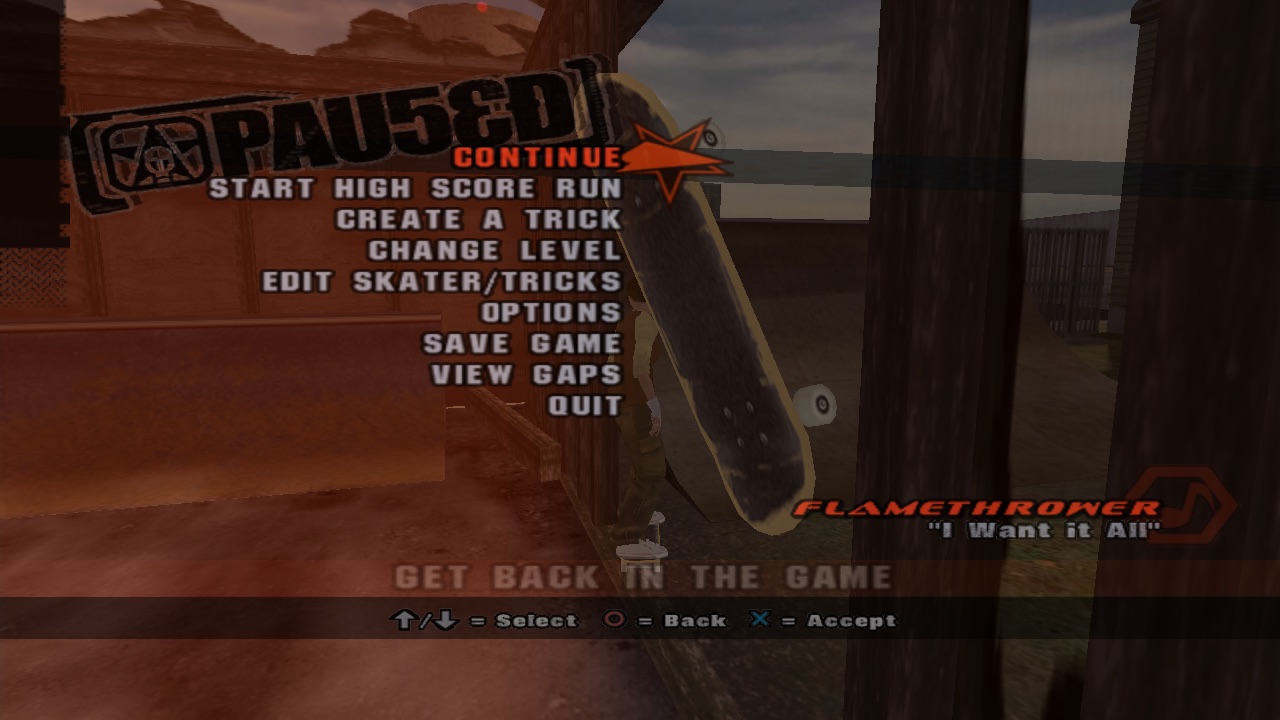
7Shrink a hint bar that got too wide
Key names are wider than icons; five keyboard hints ran off the screen. Horizontal menus now scale themselves down to fit, and back up when they fit again.
\bm is 3 bytes. <Num\_Enter> is 14. A 96-byte strcpy buffer had opinions about that.